Installing our Plugins for Matomo is now as easy as installing any other plugin: the Feinwerk Marketplace Connector is listed in the official Matomo Marketplace. You get it right inside your Matomo, without a ZIP file, without FTP and without changing your configuration.
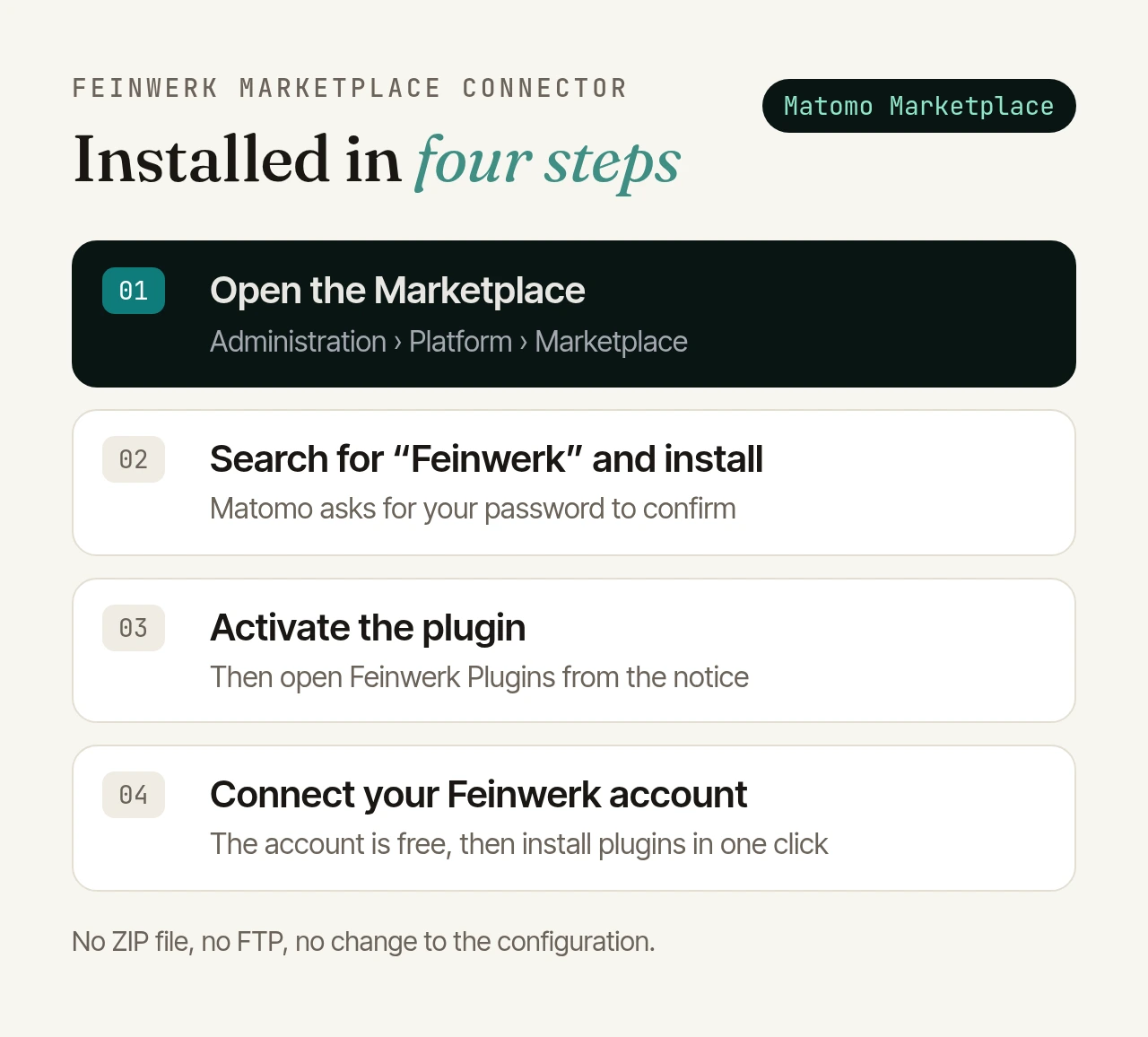
What the connector does#
The connector is a free plugin for Matomo. It brings the plugins from our shop plugins.feinwerk.io into your Matomo administration: you find them in the Feinwerk Plugins section, install them in one click and keep them up to date in the same place.
Until now, the connector itself came into your Matomo as a ZIP file, by upload, SFTP or the command line. That step is gone.
How to install it#
You need super user access in Matomo.
1. Open the Marketplace and search#
Click the gear icon at the top right, then Platform › Marketplace on the left. Type “Feinwerk” into the search.
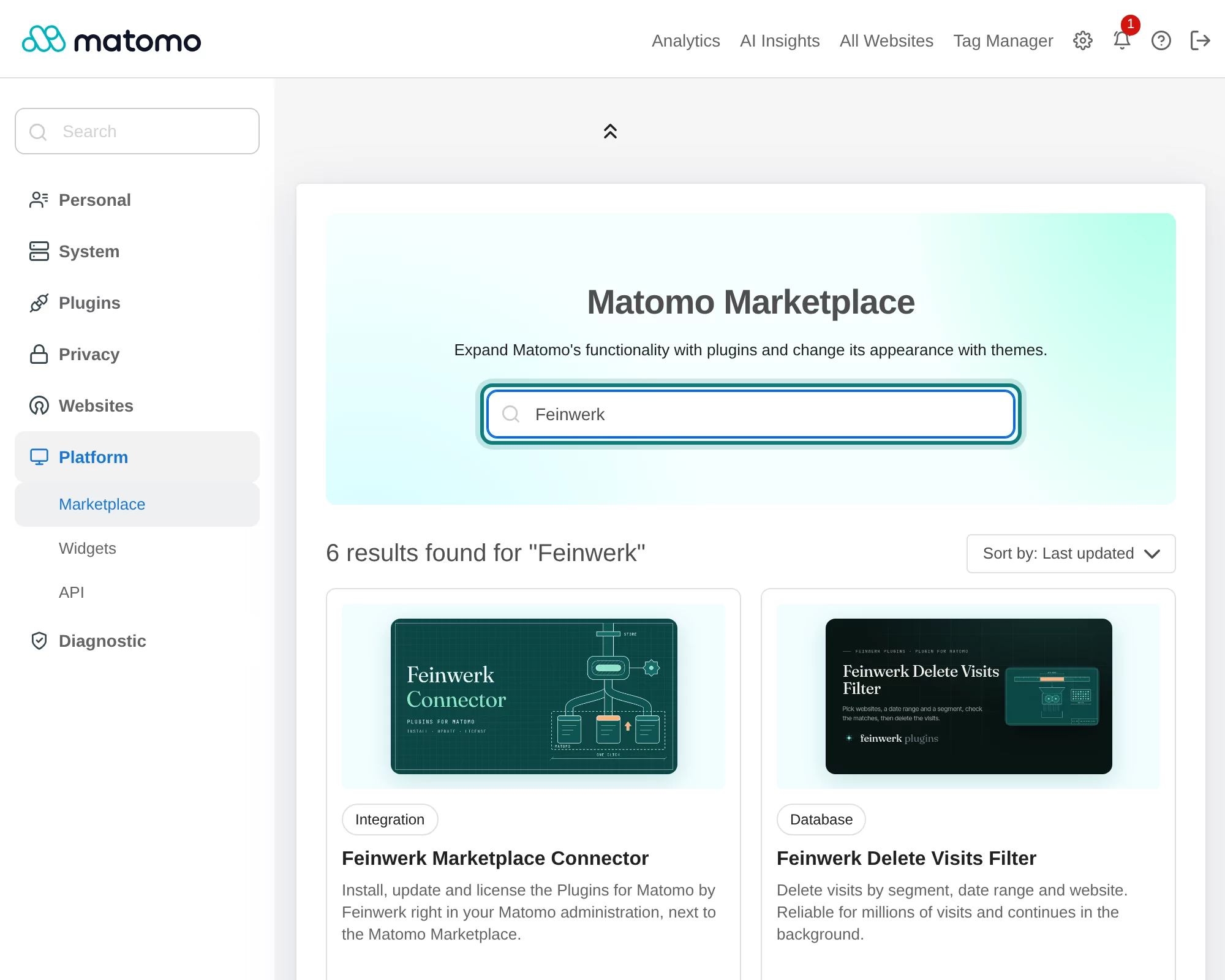
2. Install and confirm your password#
On the Feinwerk Marketplace Connector, click Install.
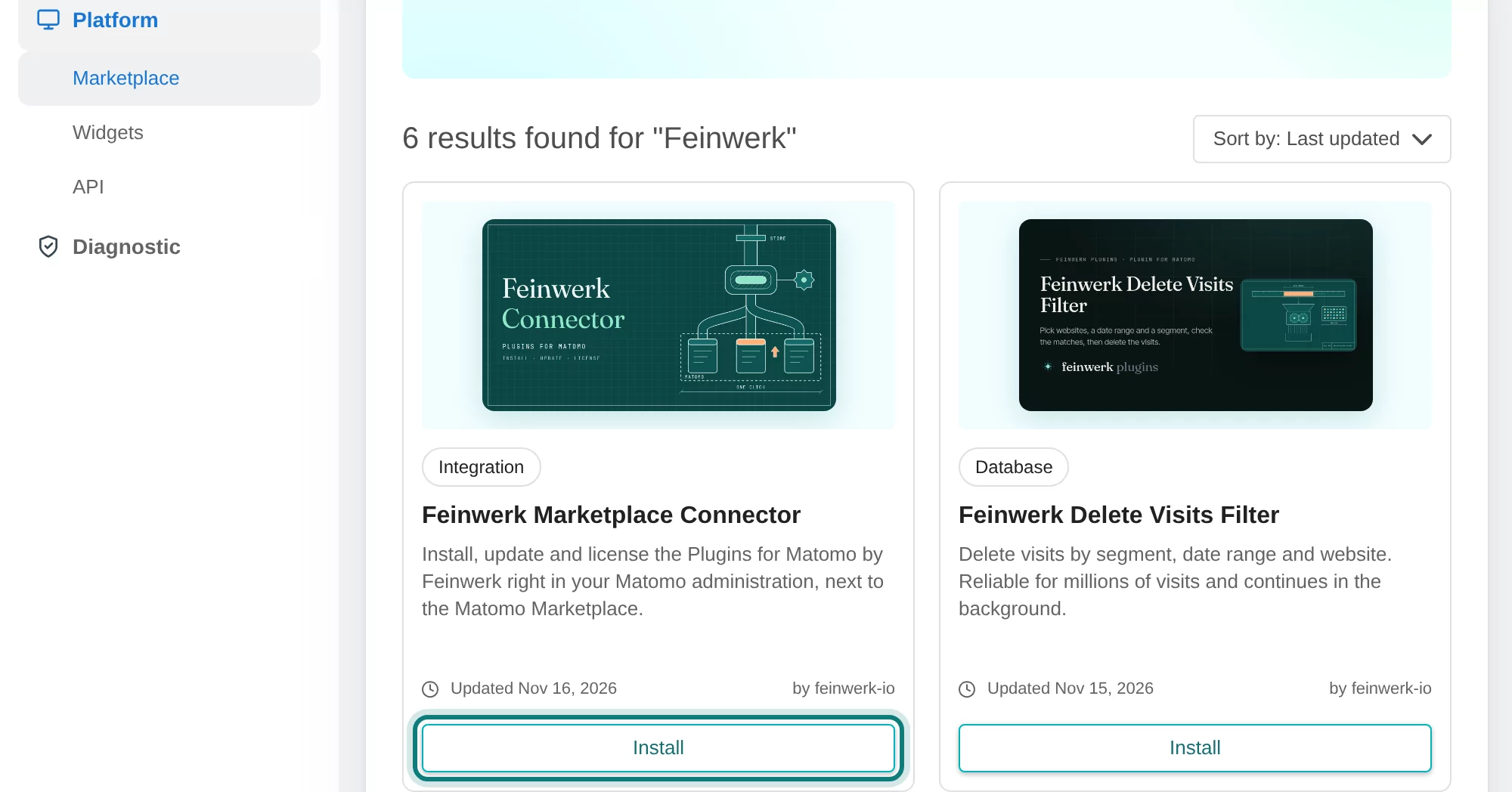
For security, Matomo asks for your password unless you entered it in the last half hour.
3. Activate and open Feinwerk Plugins#
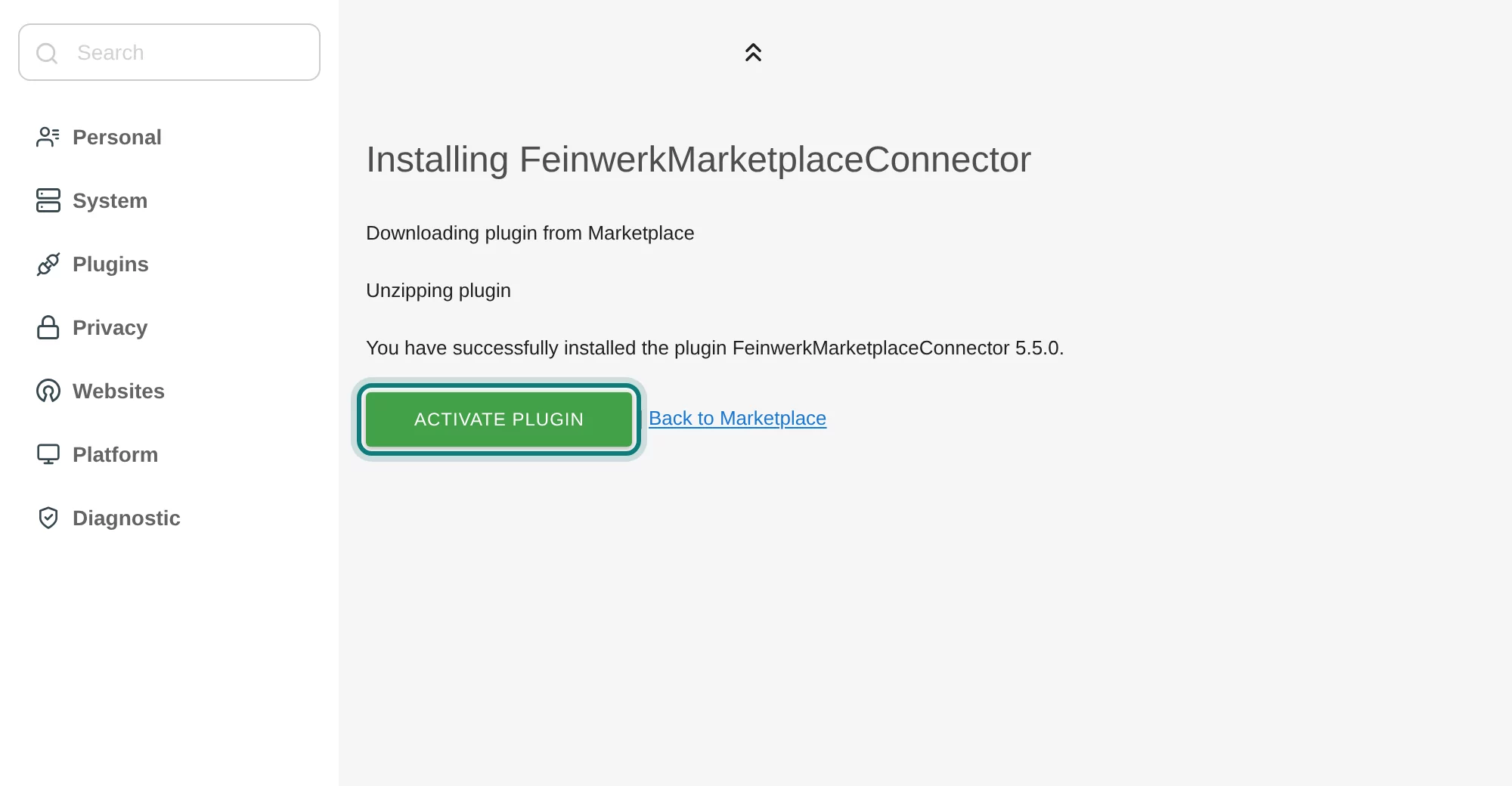
Once it is installed, click Activate plugin.
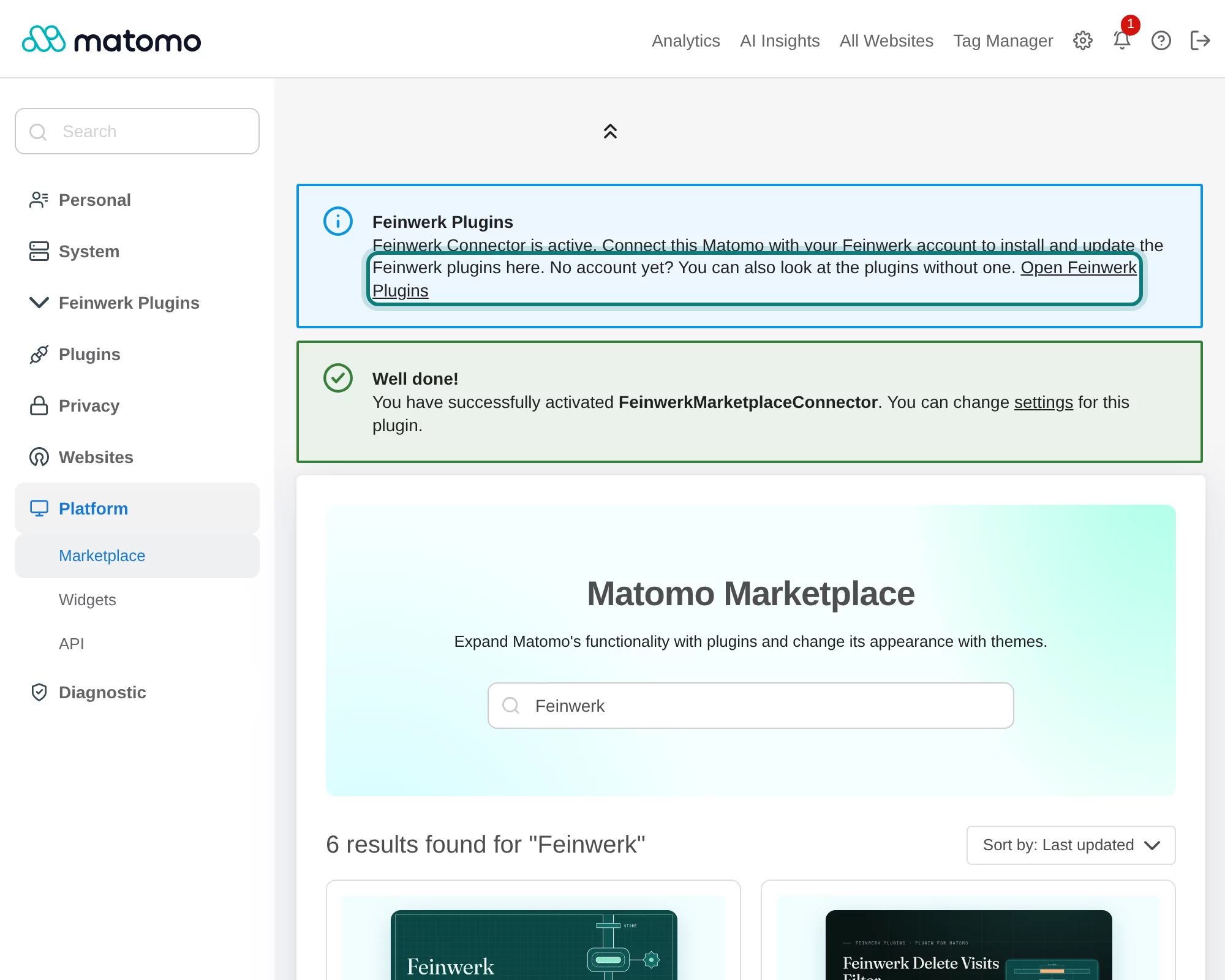
Matomo confirms the activation. In the notice above it, click Open Feinwerk Plugins to get to the new section of the administration.
4. Connect your Feinwerk account#
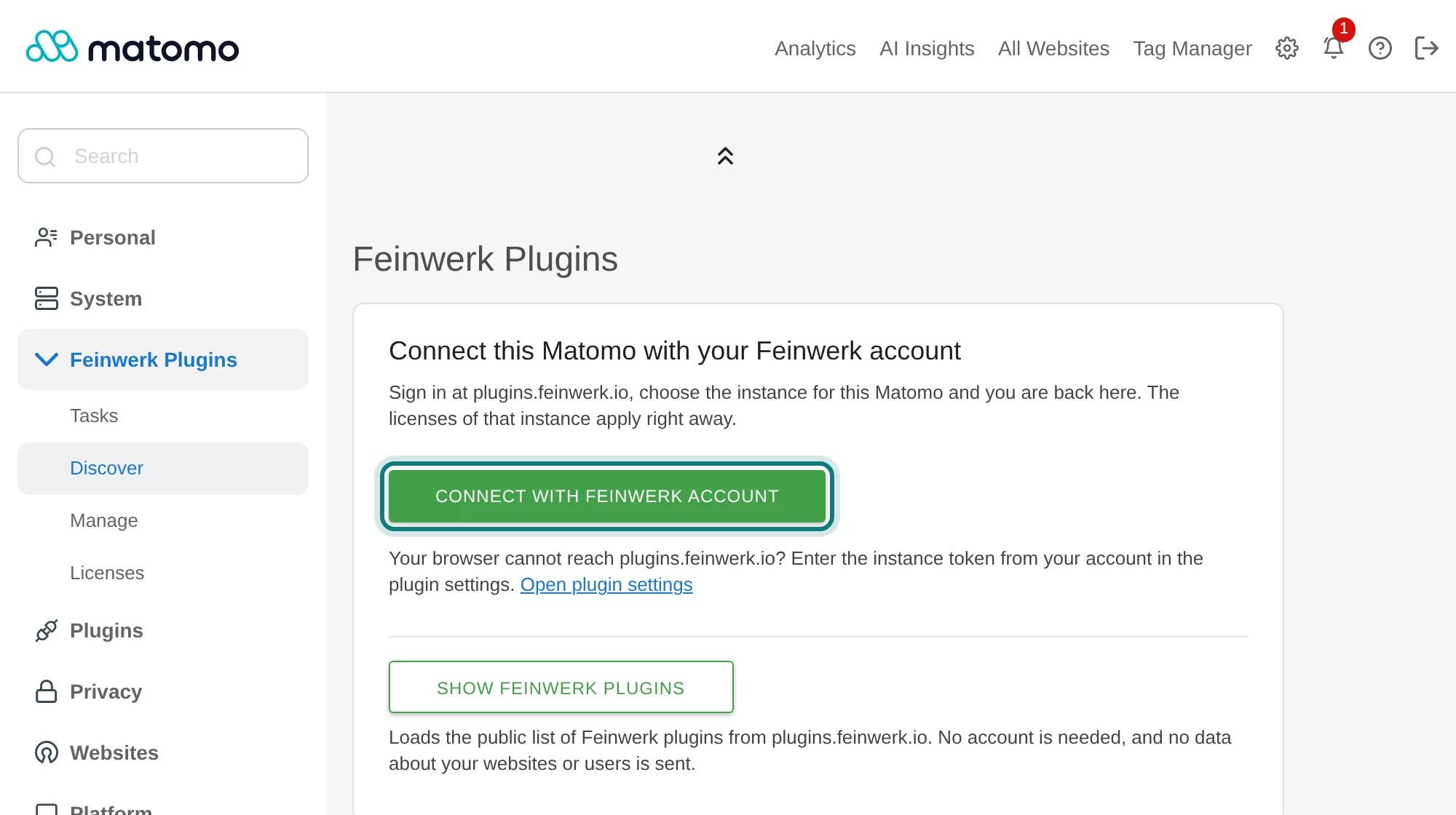
Click Connect with Feinwerk account, sign in and choose the instance for this Matomo. The account is free.
Then pick a plugin under Administration › Feinwerk Plugins › Discover and install it in one click. The guide with screenshots shows every step.
The other ways stay#
Not every Matomo installs plugins in the browser. If the Marketplace is switched off in your Matomo, the server has no internet access or Matomo runs on several servers, take the connector as a ZIP file as before: upload it in Matomo, copy it via SFTP or SSH, use the command line or Docker. The connector documentation covers every way.